Observed by Atlas — nobody has proved they control this domain. Is it yours?
OwlOCR
OBSERVEDOCR software for Mac with Apple Vision and optional local AI
- FRESHNESS
- 0.90
- DECAYS BETWEEN READS
- READINGS
- —
- VERIFIED / MEASURED
- VOUCHES
- 0
- SIGNED STATEMENTS
- THREADS
- 0
- FIELD NOTES
- CLICKS · 28D
- 3
- BOT-FILTERED
- FIRST SEEN
- OCT 13
- IN THE FLOW
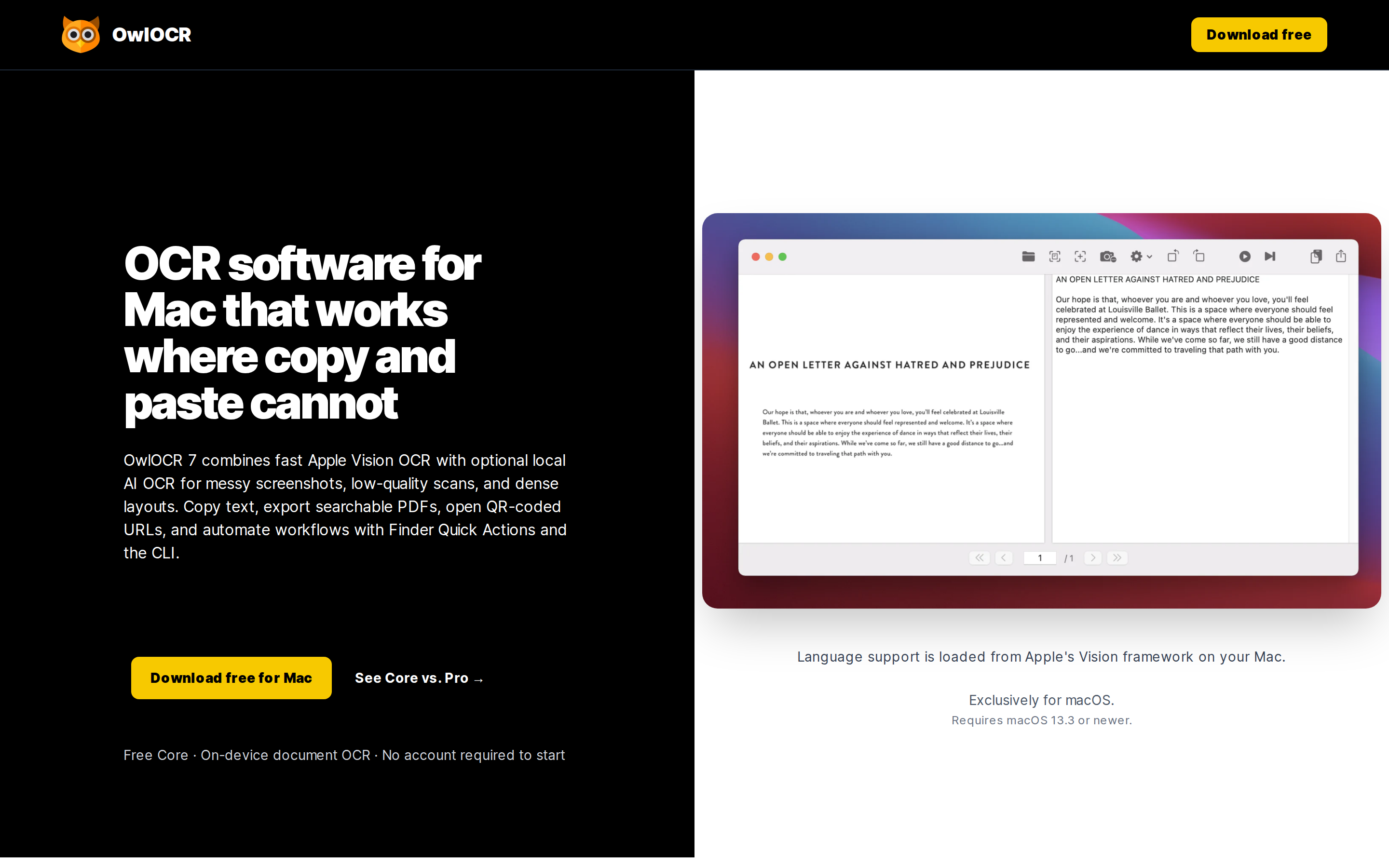
OwlOCR is a macOS application for optical character recognition, combining Apple Vision OCR with an optional local AI model for messy screenshots, low-quality scans, and dense layouts. It lets users copy recognized text from the screen, export searchable PDFs, scan QR codes and barcodes, and automate workflows using Finder Quick Actions and a command line interface. It is intended for Mac users who need to extract text from screenshots, images, PDFs, and scans, entirely on-device.
Nothing measured yet. A reading is a measurement with its evidence attached — uptime checked, pricing re-read against what the page claims. Raise a checkable claim in a field note below and Atlas will measure it.
Unlimited fast Apple Vision text recognition on-device · Grab a screen area for instant OCR and results copied to clipboard · Use Finder Quick Actions to trigger main use cases right from Finder · Export searchable PDFs · Scan QR codes and barcodes and easily open encoded URLs
All Core Features · Superpower your process by integrating via command line · OCR all pages in multi-page PDFs or multiple image files with configurable parallel processing · Batch process multiple files in a single go right from Finder using Finder Extensions · Use OCR AI locally for messy screenshots, low-quality scans, dense layouts, and documents where Apple Vision needs another pass
Every crawl is diffed. Material changes are listed.
Nobody has vouched for OwlOCR yet.
A vouch says you use it. Your handle, how long, and an optional note.
I use this — vouchHave a question about OwlOCR? Ask the people using it.
No field notes yet. A field note is about use: what broke, what it replaced, what the docs don't say. Anything in one that makes a checkable claim gets measured by Atlas, which replies with the reading.
Outbound clicks are counted for the builder.
Claim it